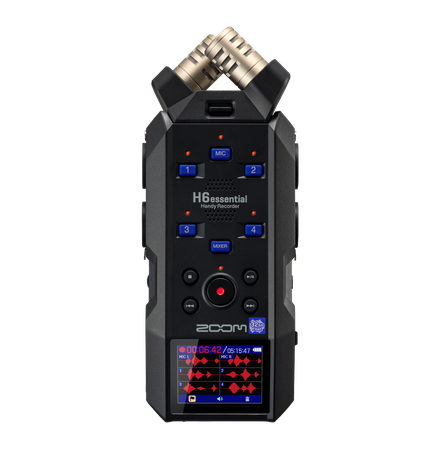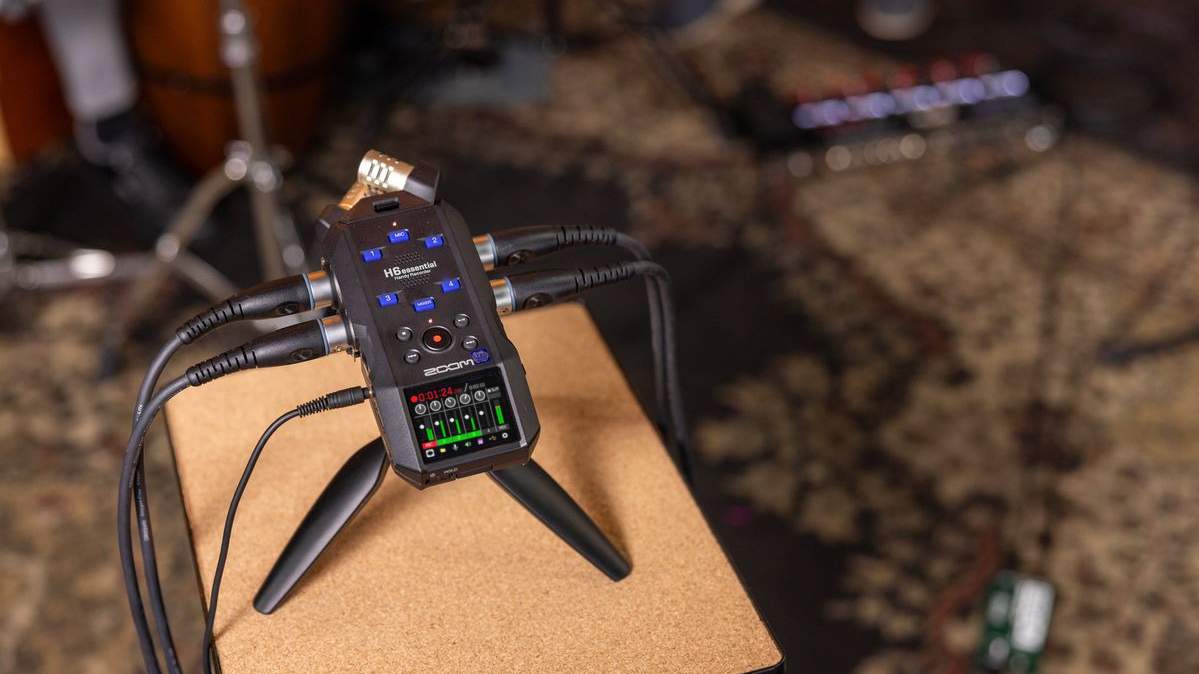

Thank you to all H6essential users for your patience. In response to feedback gathered through our global #VoiceForEssential survey, we're releasing a free update that introduces Multi-Track Recording, the most frequently requested feature.
With the new Multi-Track Recording mode, you can record and mix up to 5 tracks simultaneously. Layer instruments like guitar, bass, and drums to build complete songs and bring your musical ideas to life. Whether you're capturing a quick idea or developing a full arrangement, the updated H6essential gives you more ways to create.
MultiTrack Recording
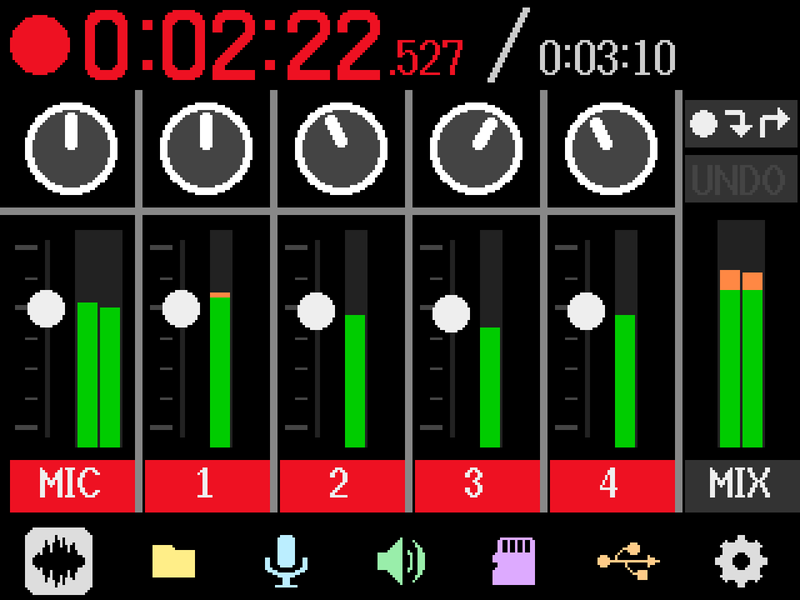
You can record and play back audio from the built-in XY stereo microphone and INPUT 1–4 on separate tracks. Recordings are saved in 32-bit floating-point WAV format. You can save up to 999 projects containing recorded and played-back audio.
Overdubbing
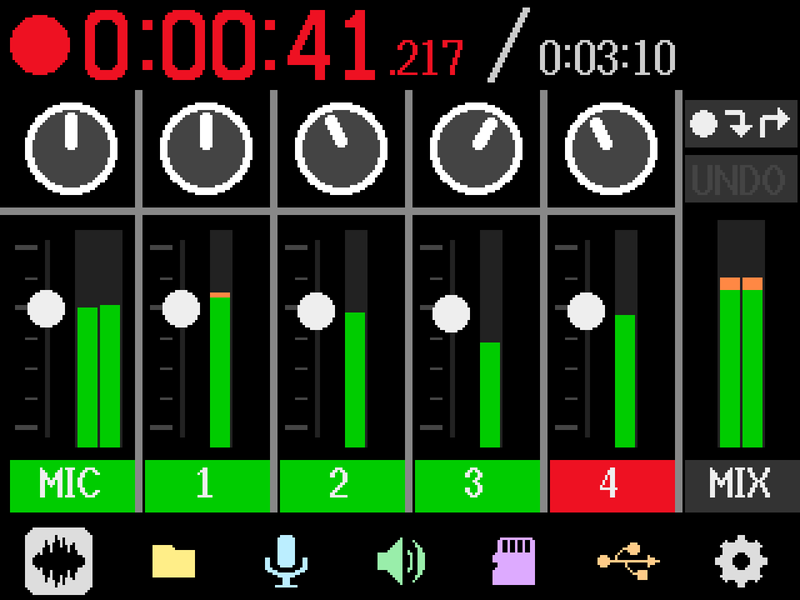
You can layer your performance onto another track while listening to the pre-recorded track. You can overdub vocals and guitar, or even create a full band ensemble all by yourself. It also supports punch-in/punch-out recording, which lets you re-record just a specific section of a track.
File Assignment
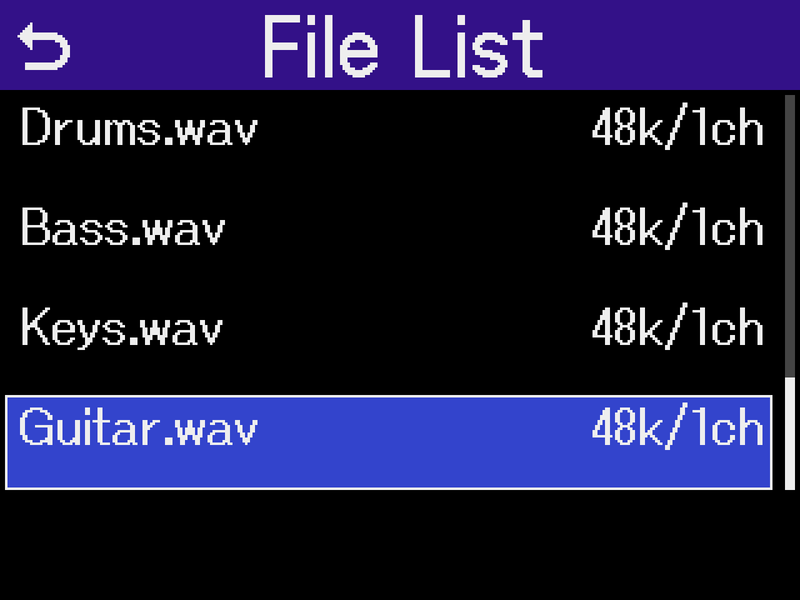
You can assign files recorded in RECORDER mode or WAV files created in a DAW on your computer to any track. You can also record along with pre-recorded backing tracks.
Mixdown
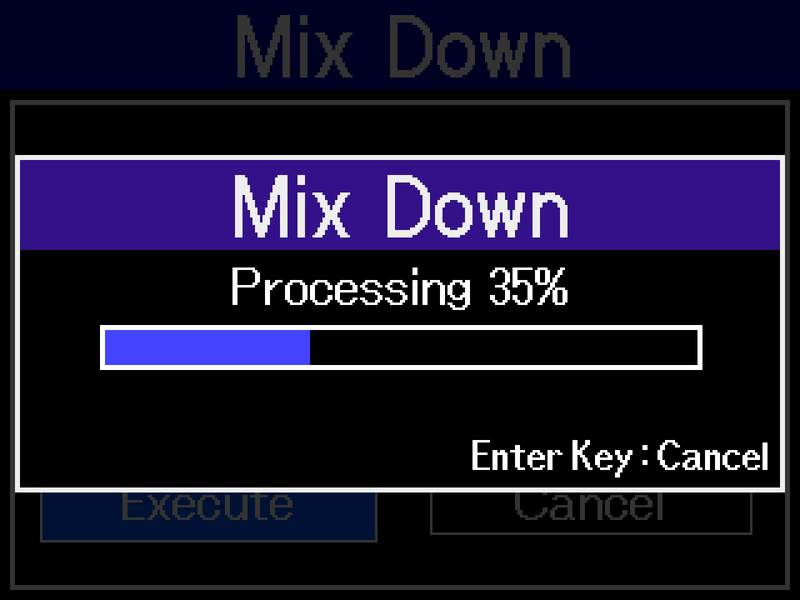
You can adjust the pan and volume for each track and export the result as a single stereo file. It supports WAV (16-bit, 24-bit, and 32-bit floating-point) and MP3 (128, 256, and 320 kbps).
H6essential
*For instructions on how to update, please refer to the H6essential Firmware Update Guide.

Related Products